
It’s hard to believe we are over halfway through the school year already! Our team has been busy working on further improvements in Evisense. Here’s a quick summary of the key changes and the benefits they bring.
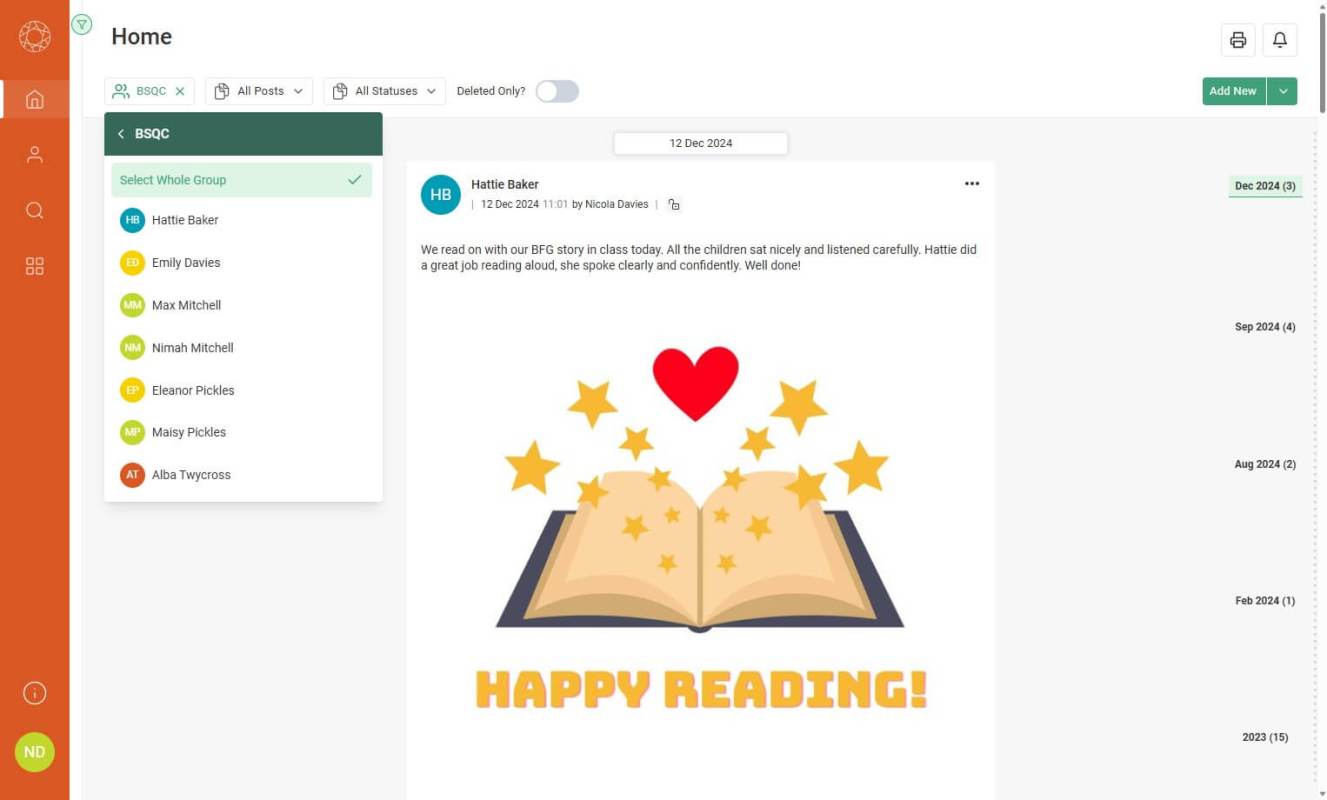
Since the start of the school year, we’ve added 8 great new features, based on feedback from users – all aimed at enhancing your experience of Evisense!
These improvements will help your school to more easily capture and share the progress your pupils make and to simplify your communication with parents.
WHAT’S NEW?
Upload a wider range of documents (requested by multiple users)
Easily add Word, Excel, and PowerPoint files, as well as PDFs, to your posts for more flexibility. Evisense automatically converts these files into PDFs for easy viewing, while keeping the originals available for download.
Save time with post duplication (requested by multiple users)
Quickly create different post variations for different students. Whilst you can already tag multiple students in a post, sometimes you want to have different variations of a post. Now you can take an existing Evidence post and duplicate it! See how to duplicate a post
Effortlessly manage post visibility
Filter by permission to instantly see which posts have been shared with parents and which haven’t. Evisense provides customisable privacy settings for different user roles within a school. This gives your school control over who can share posts and the privacy levels for each type of post created. We’ve now added a multi-select dropdown for school users within the filter options, so you can quickly filter posts by the different privacy levels. Learn more about privacy in Evisense
More print options (requested by Nicola F)
You can now filter to strand as well as subject, profile and level. This enables you to drill down further into your pupils’ achievements when printing reports.
Maintain consistency with customisable post structures
Enable or disable structures and set a default format to keep posts uniform. Schools can now not only enable and disable post structures, but you can also set a default post structure for post types with multiple post structures.
Schedule posts in advance (requested by Nathan C)
Prepare posts when it’s convenient and publish them exactly when needed. When you create a post you can now choose a custom date and time. Use this to select when in the future you would like a post to be visible to parents on the live feed, and your post will go live automatically.
Ensure accuracy with media previews (requested by Stewart C)
Double-check attached files before publishing to avoid mistakes. When creating posts, you can now preview the media either when attaching or before you publish, reducing errors and saving time.
Track post engagement with the new “Eye” icon
Instantly see which users have viewed your posts. Hovering over the “Eye” shows how many users have seen the post. Click on it to see their names. This icon is for school users only, so is not visible to parents, students or external users.
Did you see our recent webinar ‘Building Bridges with SEND Parents’?
Good communication is the cornerstone of strong relationships between schools and SEND parents. But how can we ensure it’s meaningful, proactive, and positive?
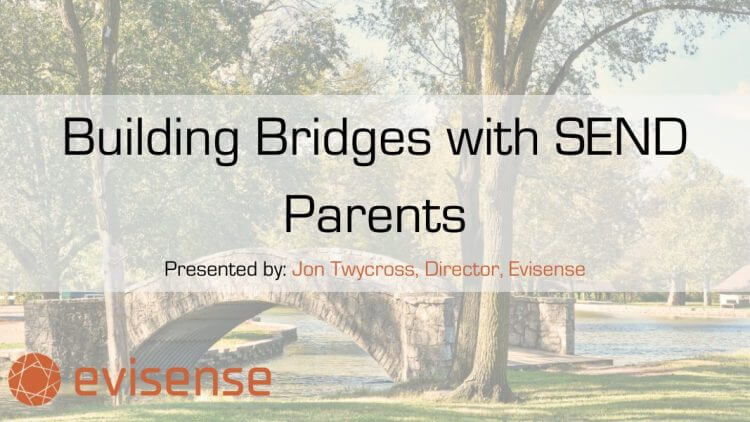
This webinar will help your school to get the most out of using Evisense with parents. Don’t worry if you missed the LIVE broadcast, you can still watch the recording to see how Evisense makes sharing moments from the classroom simple, whether it’s celebrating progress or keeping parents in the loop.
Get help when you need it
Visit our Support website to access all the latest Evisense guides in one place. There’s also a section just for Evisense administrators. Our newest tutorials provide step-by-step instructions with slideshow visuals to show you exactly how to complete a range of tasks within Evisense – find out more.
If you have any questions or want a walkthrough, our support team are happy to help. Book a FREE 15-minute online meeting, and they’ll guide you through anything you need.
Please share your feedback
We listen to customer feedback and will continue to develop and improve Evisense to make it faster, easier to use and more effective for your school. If you love these new features or have suggestions on how else we can improve Evisense, then please share your feedback with us.
Evisense has made significant improvements to enhance user experience. Capture and share pupils’ progress effortlessly, streamlining communication with parents. Take advantage of a free trial to explore these exciting updates today!